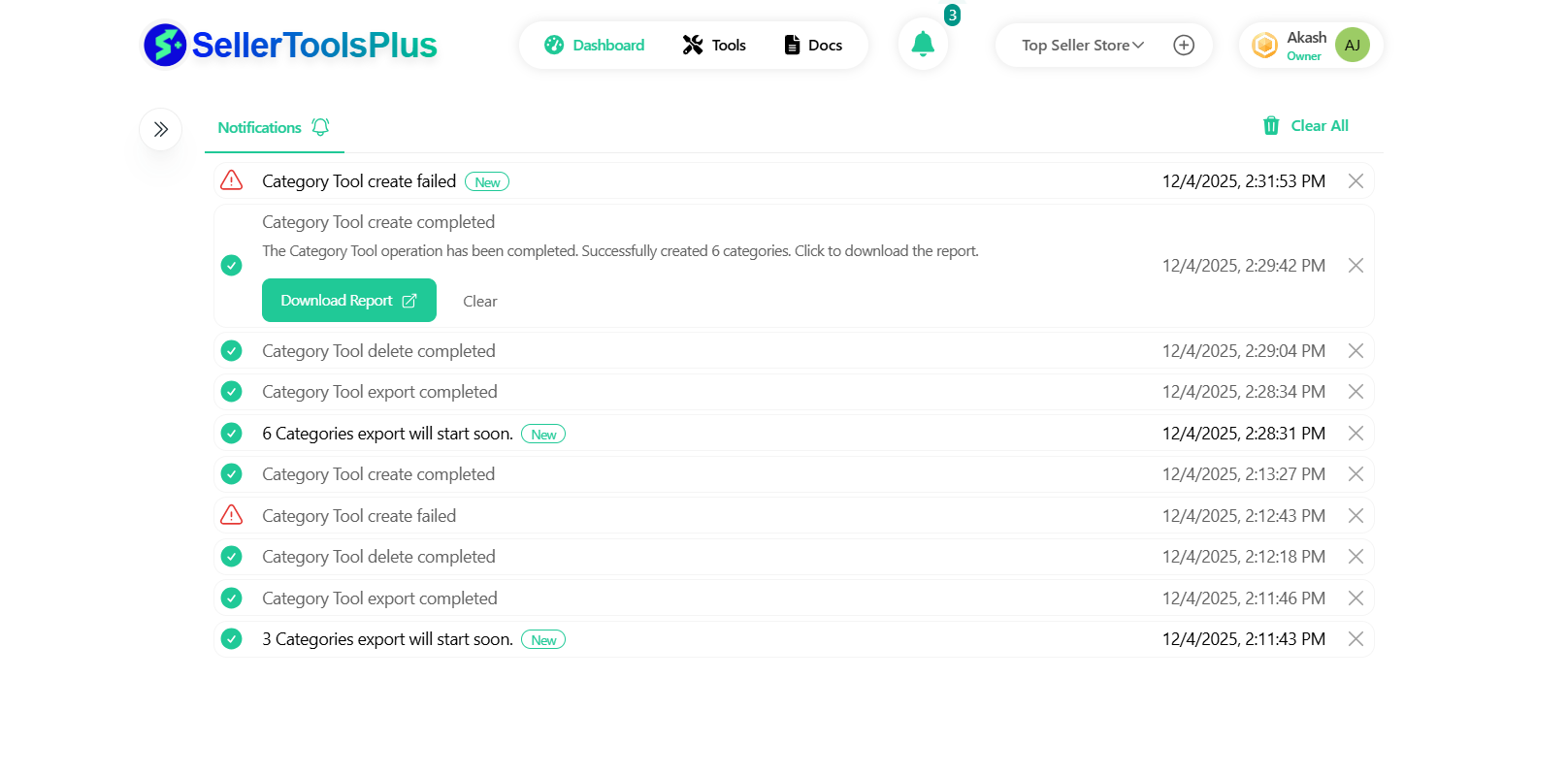
Notifications icon
The notification bell icon in the header shows if there are any notifications awaiting the user. Clicking on the notification icon will take you to the notification screen.
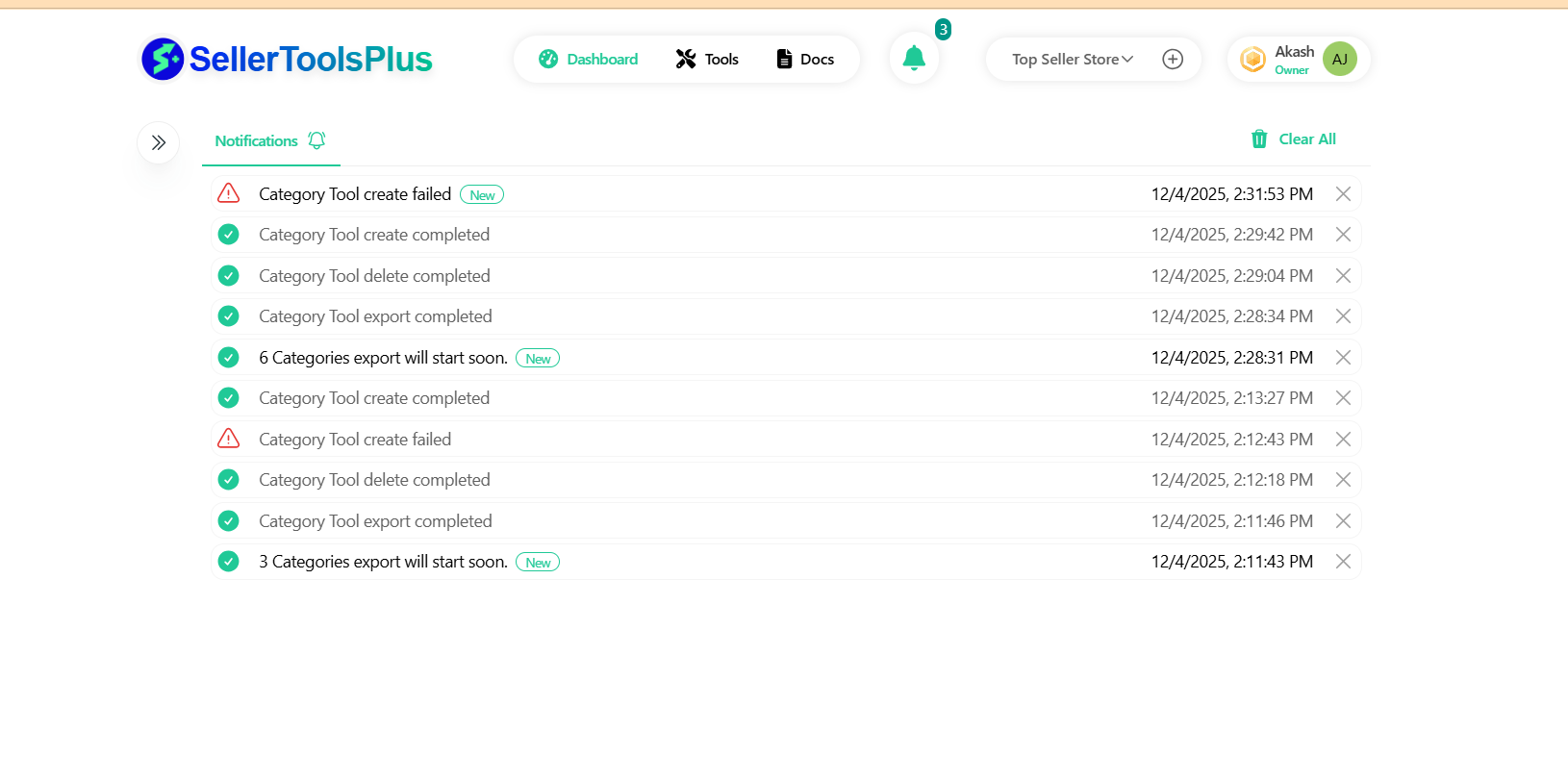
Notifications list
The notification screen shows a list of notifications each with their title which conveys what is the notification about.
Depends on the type of notification, user can click on each notification item in the list and open the notification details.
Notifications detail
Notification details would have the details and possible action about a notification. For example - most of the failure notifications from long running tasks comes with error against each failed item. A success notification would come with either a simple success message or a CSV that contains the system generated IDs of newly created items(categories).