Blog Tool
When you open the blog manager tool, you will be welcomed with a clean and intuitive interface where you can create, export, update and delete your BigCommerce blog posts with ease. Simply select your store and start adding blog content, organizing posts by categories, or scheduling them for future publishing. Read on and we will guide you through the UI and help you master blog management like a seasoned storyteller with a digital pen.
Tools Section
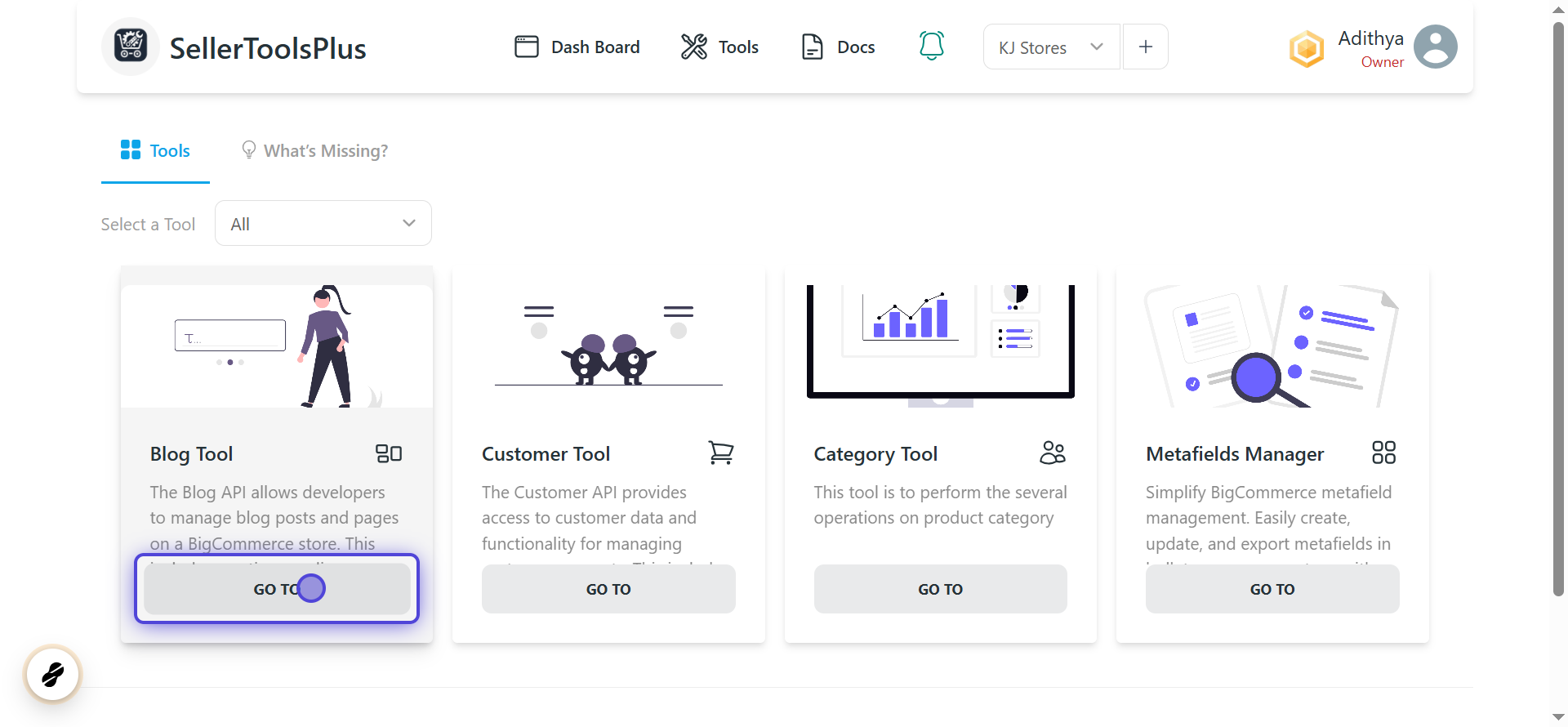
When you click on the Tools section in SellerToolsPlus, every apps will be displayed.
1. Select the blog tool from the tool list
- The Blog Tools app has a "Go To" button.
- Clicking on the "Go To" button prompts you to select a store.
Store Selection
- If no stores are available, you must add a new store.
2. Click on Continue after filling store details

Main Sections
After selecting a store, a new page appears with four sections:
- Create - Add multiple blog using a CSV file.
- Export - Download the data with customizable field selection and filters.
- Update - Modify existing blog by updating and uploading a CSV file.
- Delete - Remove unwanted blog by uploading a CSV file.
Refer to the respective page to learn about each functionality.