Category Tool
As of writing this, the BigCommerce product import feature as well as the product API both needs BigCommerce category ids to create/add a product under certain category. There is no native way of creating and obtaining category IDs though. Our category tools solves this very problem. Our tool lets you create a complex category tree with multiple levels of children and child branches under children all in one go using CSV. Like other store management tools, click on the Tools section in SellerToolsPlus top navigation, to access the list of tools.
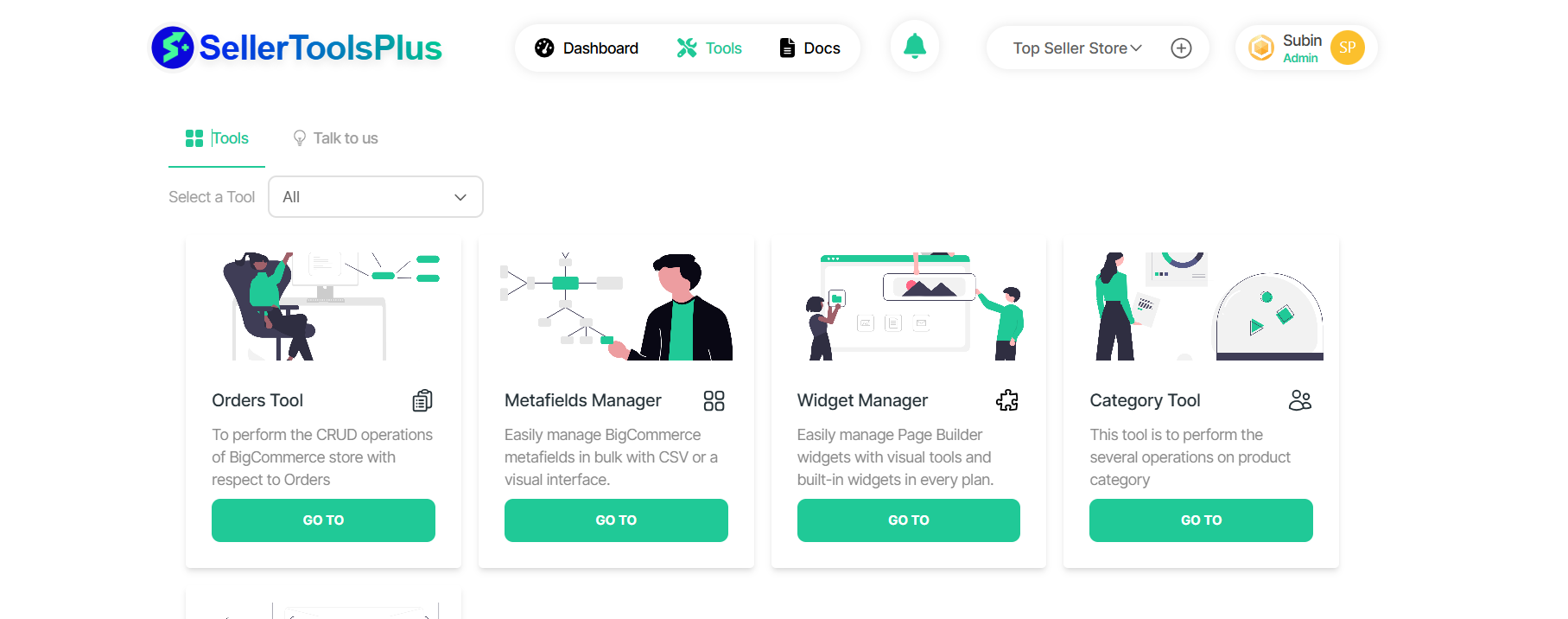
Select the 'Category Tool' from list of tools
- The Category Tool app has a "Go To" button.
- Clicking on the "Go To" button prompts you to select a store.
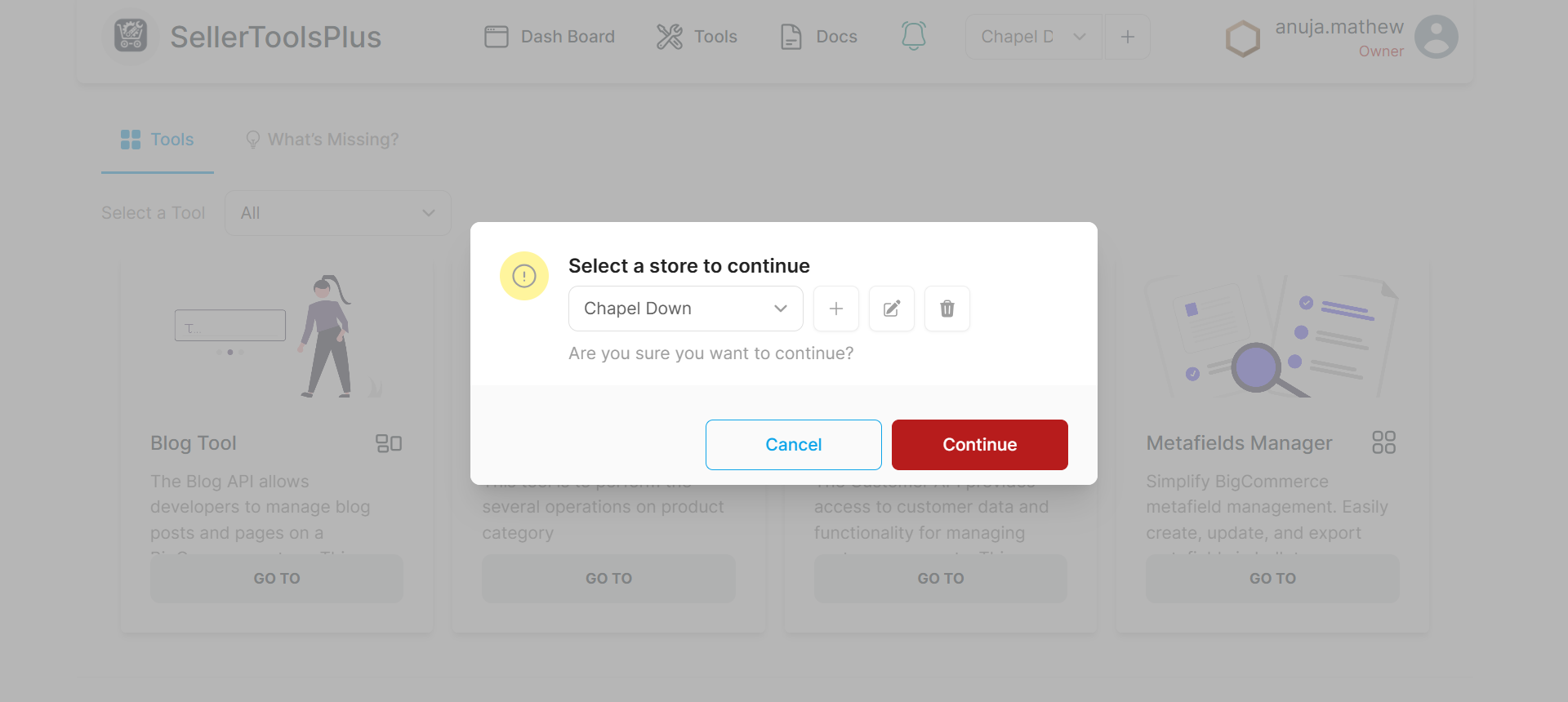
Store Selection
- Select the store to work on from the list of stores
- If no stores are available, you must add a new store.
Category tool for BigCommerce - overview
Once you select a store, a new page appears with four tab sections; One for each category operation supported:
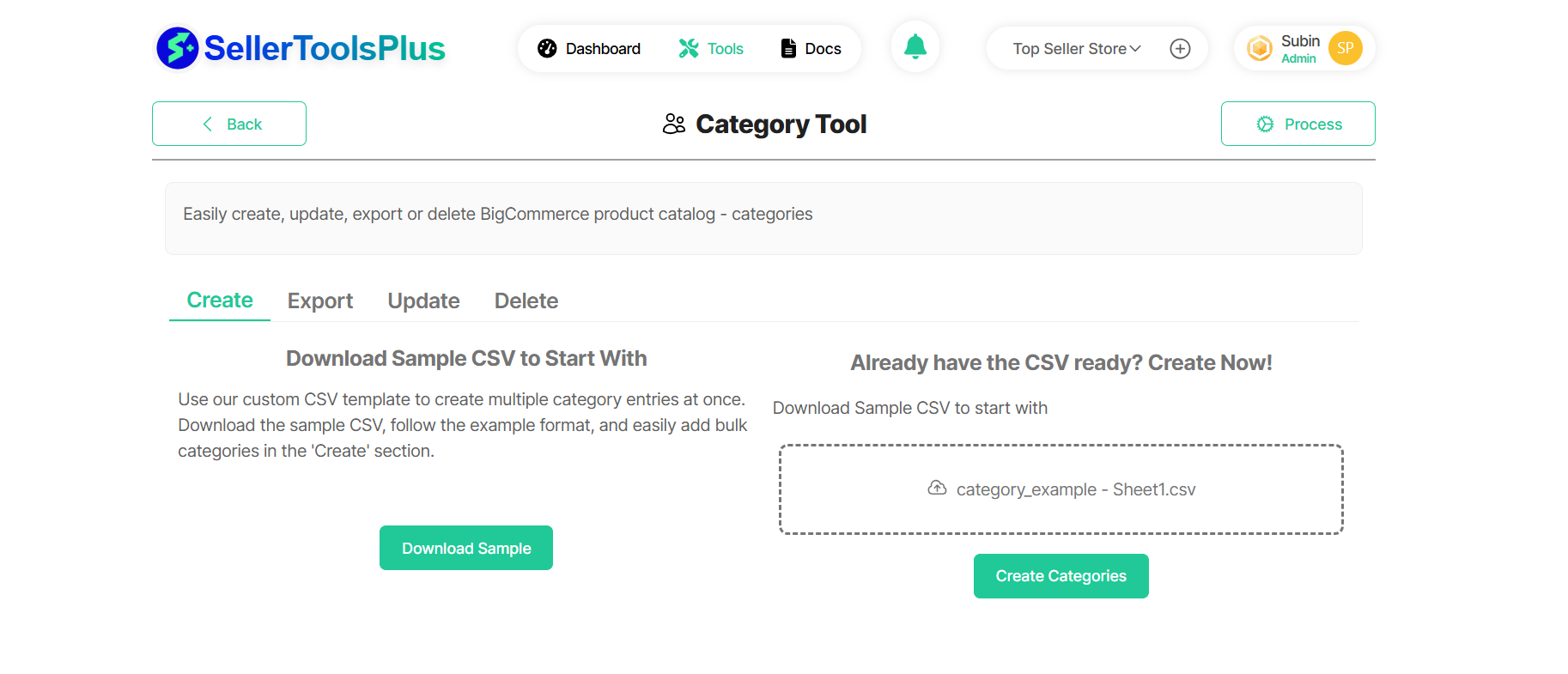
Each tab can help you to perfrom a bulk CSV operation on your BigCommerce store as listed below.
- Create - Add multiple categories in bulk using a CSV file.
- Export - Download category data with customizable field selection and filters.
- Update - Modify existing categories by updating and uploading a CSV file.
- Delete - Remove unwanted categories by uploading a CSV file.
Refer to the respective page to learn about each functionality.