Deleting Stores
If you no longer need a store added, you can easily remove it using the delete option available in the store selector modal.
Note: The delete option is available wherever you can add stores—during onboarding, in the dashboard, or anywhere else you manage store connections.
Steps to delete a store
-
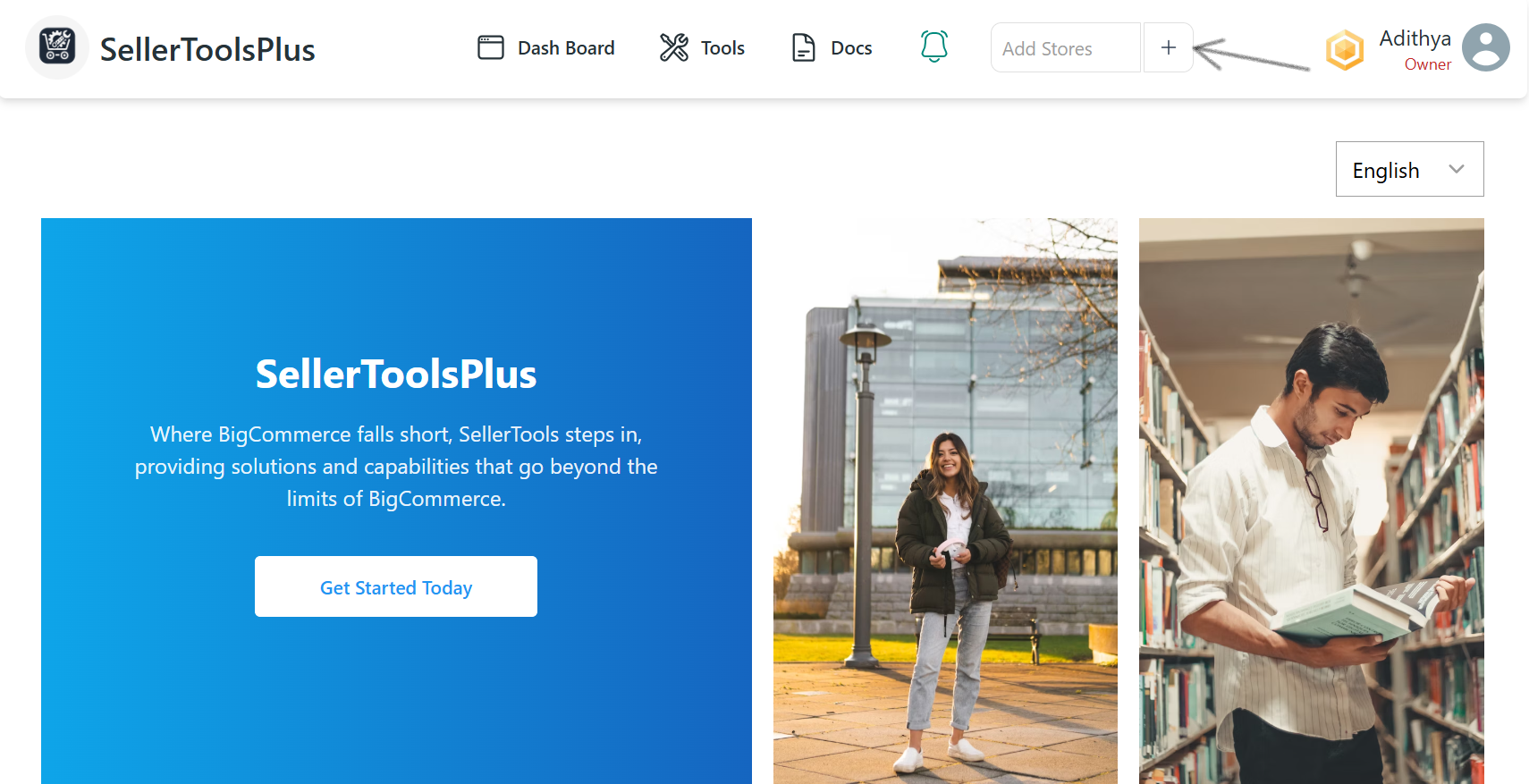
Open the Store Selector
Navigate to the screen where you select a store to continue.
-
Select the Store to Delete
From the dropdown list, choose the store you want to delete. -
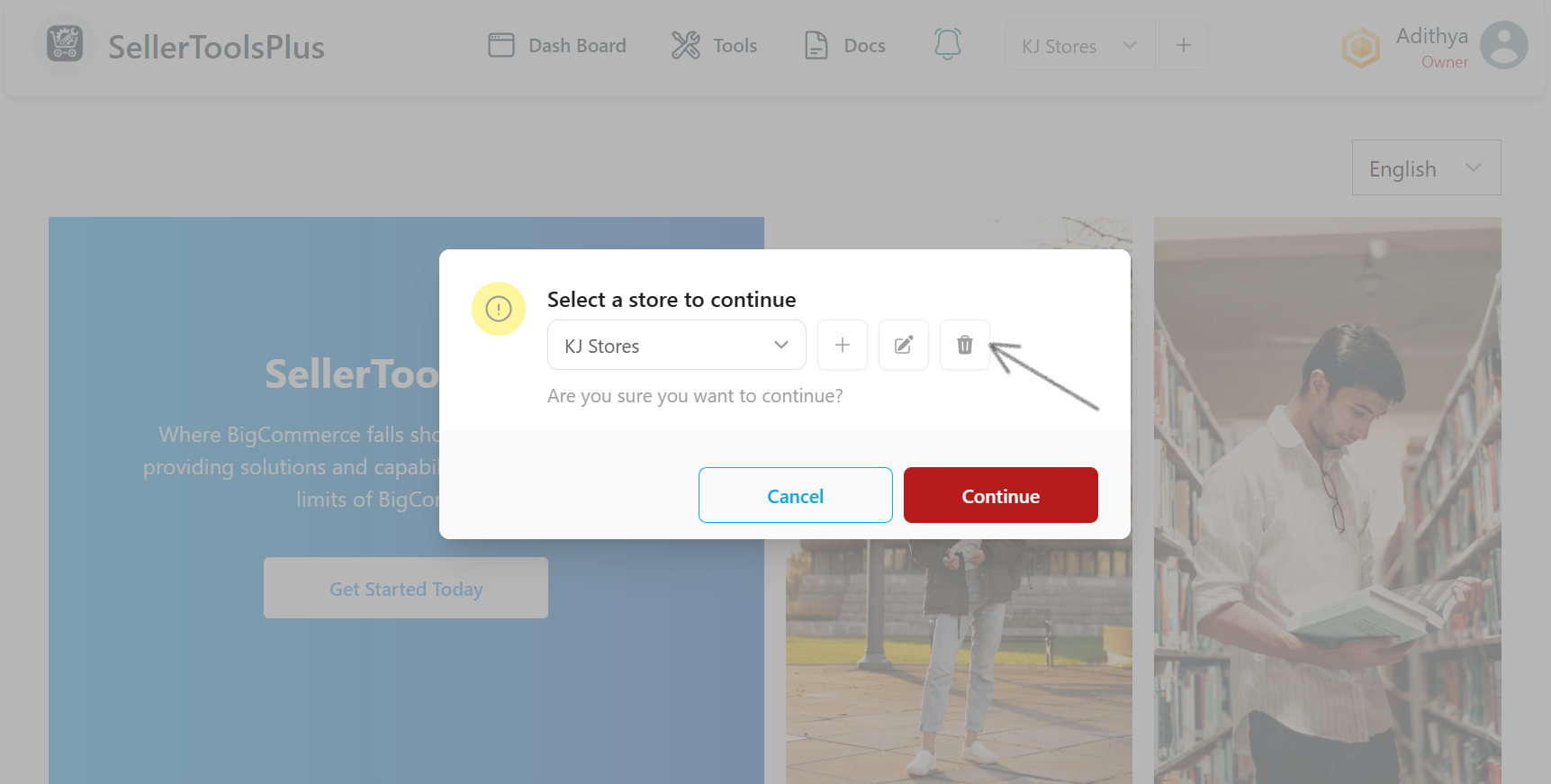
Click the Delete Icon
After selecting the store, click on the trash can icon next to the dropdown.
- Store is Deleted
The selected store will be immediately removed from the dropdown list.